> ## Documentation Index
> Fetch the complete documentation index at: https://docs.gunp.la/llms.txt
> Use this file to discover all available pages before exploring further.
# Settings: currency, language, region and tokens in plamotrack
> Instance-wide settings for your reference currency, interface language, time zone and date format, plus where data management and access tokens live.
Settings are instance-wide: every browser and every connected AI assistant sees the same values. The one exception is the theme — light, dark, or follow the device — which each browser chooses for itself from the control at the bottom of the sidebar.
Open **Settings** from the sidebar. It has five sections.
## General
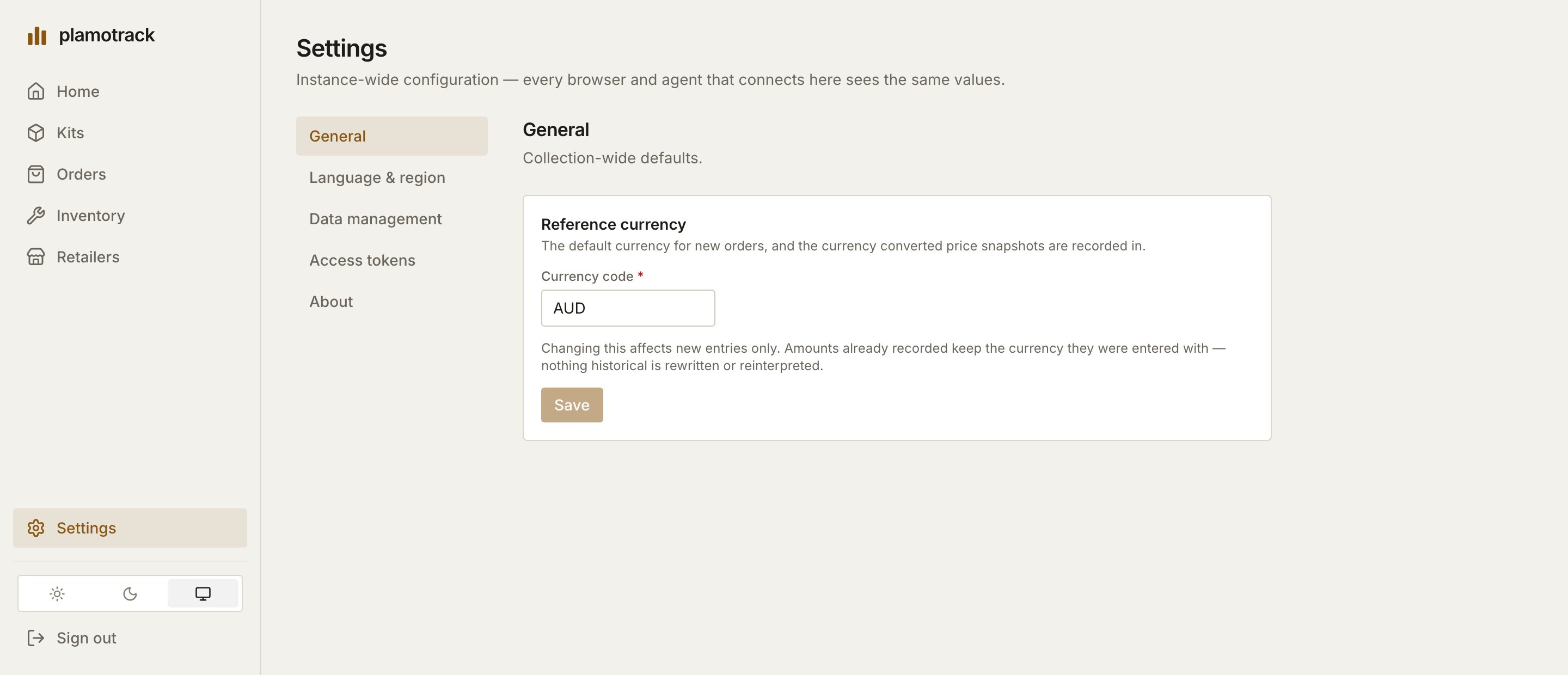
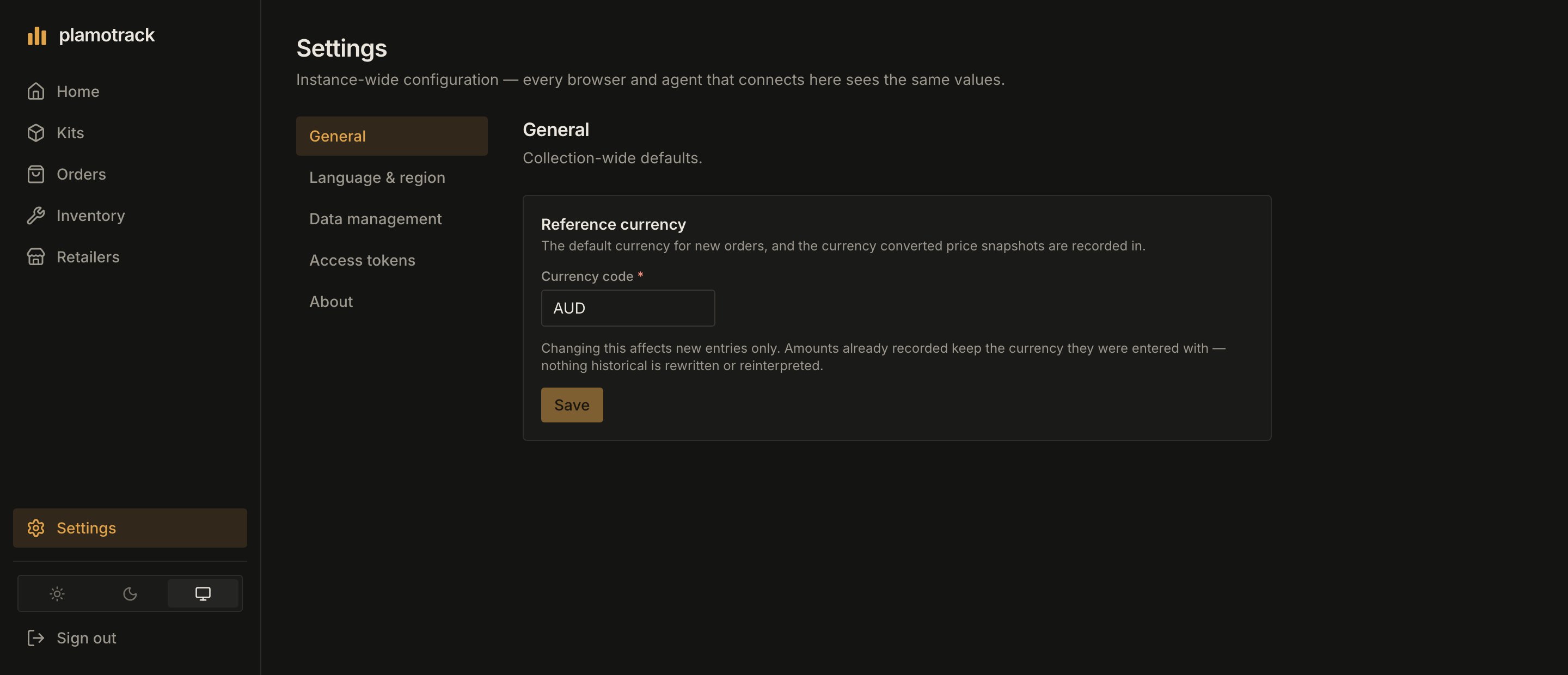
**Reference currency** is the default currency for new orders and the currency that converted price snapshots are recorded in. Enter an ISO 4217 code such as `USD`, `GBP` or `JPY` and click **Save**. A new instance starts on `AUD`.
Changing it affects new entries only. Amounts already recorded keep the currency they were entered with — nothing historical is rewritten or reinterpreted.
 ## Language & region
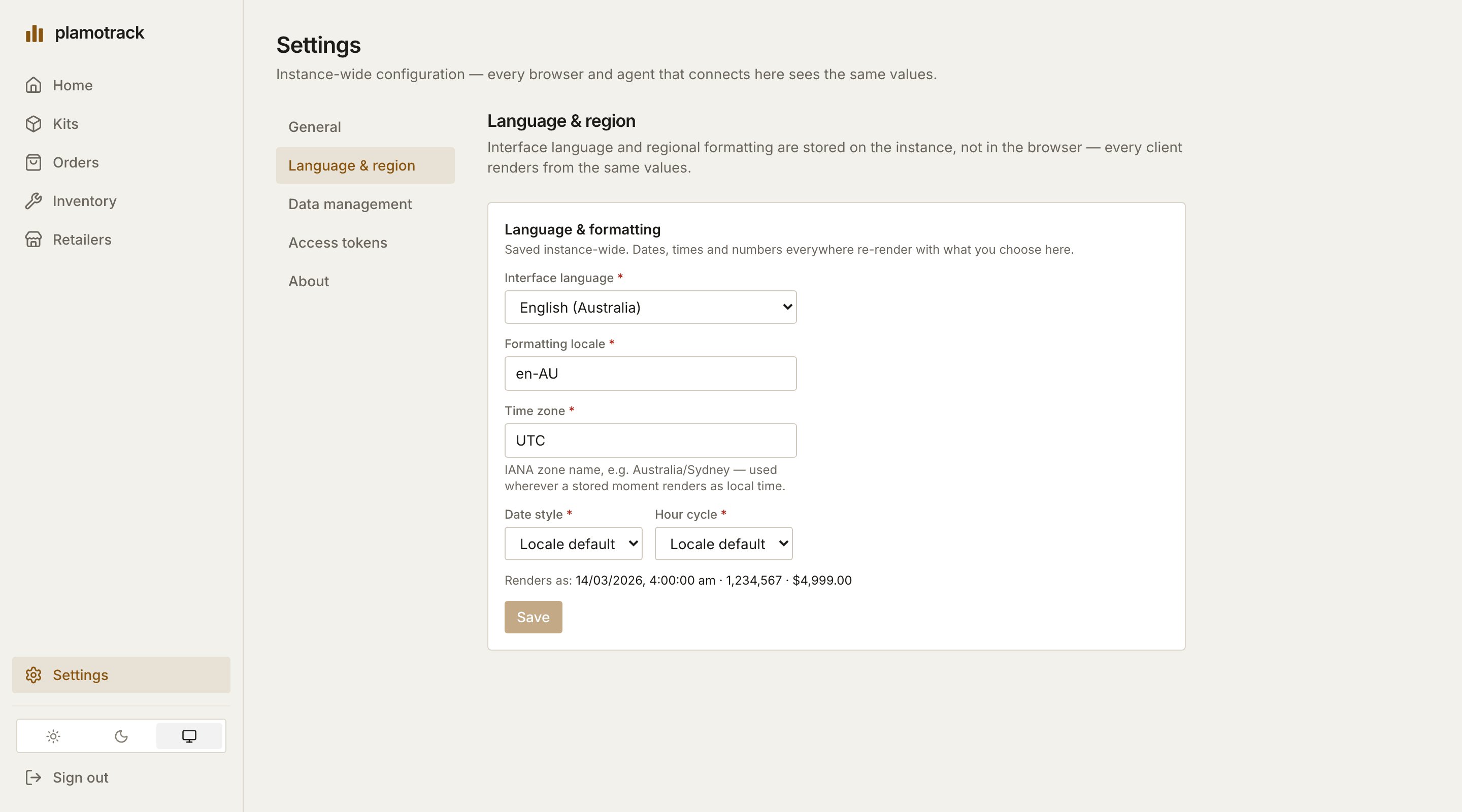
| Setting | What it does |
| --------------------------------- | ------------------------------------------------------------------------------------------------------------------------------------------------------------------------------------------------------------------------ |
| **Interface language** | The language of the app itself. English (Australia) is the only language shipped so far; [translations are contributed through the repository](https://github.com/DeusMaximus/plamotrack/blob/main/docs/translating.md). |
| **Formatting locale** | How dates, times and numbers are written — `en-US`, `de-DE`, `ja-JP` and so on. |
| **Time zone** | An IANA zone name such as `America/Chicago` or `Australia/Sydney`. Used wherever a stored moment is shown as local time, and to read dates in a CSV import that carry no offset. |
| **Date style** and **Hour cycle** | Override the locale's defaults — for a numeric date, say, or a 12-hour clock. |
A new instance starts on `en-AU` and `UTC`. The line under the form shows how a date, a number and an amount will render before you click **Save**.
## Language & region
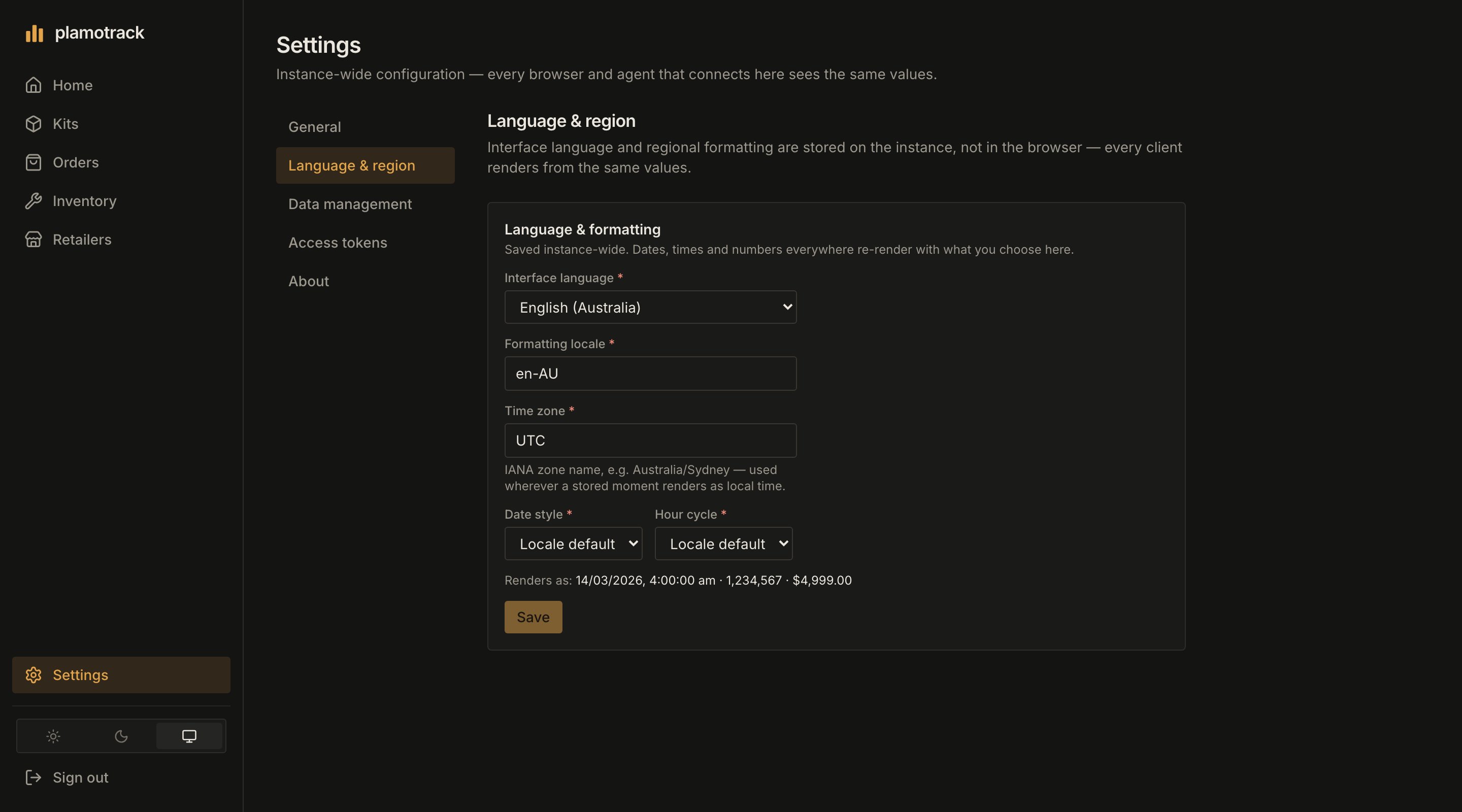
| Setting | What it does |
| --------------------------------- | ------------------------------------------------------------------------------------------------------------------------------------------------------------------------------------------------------------------------ |
| **Interface language** | The language of the app itself. English (Australia) is the only language shipped so far; [translations are contributed through the repository](https://github.com/DeusMaximus/plamotrack/blob/main/docs/translating.md). |
| **Formatting locale** | How dates, times and numbers are written — `en-US`, `de-DE`, `ja-JP` and so on. |
| **Time zone** | An IANA zone name such as `America/Chicago` or `Australia/Sydney`. Used wherever a stored moment is shown as local time, and to read dates in a CSV import that carry no offset. |
| **Date style** and **Hour cycle** | Override the locale's defaults — for a numeric date, say, or a 12-hour clock. |
A new instance starts on `en-AU` and `UTC`. The line under the form shows how a date, a number and an amount will render before you click **Save**.
 ## Data management
Export your collection, download the blank templates, and import a spreadsheet or an archive with a preview first. See [Import & Export](/using/import-export).
## Access tokens
Create and revoke personal access tokens for scripts and AI assistants. See [Access Tokens](/authentication/access-tokens).
## About
The version this instance is running. Check it against the [changelog](/configuration/upgrading) before you update.
## Data management
Export your collection, download the blank templates, and import a spreadsheet or an archive with a preview first. See [Import & Export](/using/import-export).
## Access tokens
Create and revoke personal access tokens for scripts and AI assistants. See [Access Tokens](/authentication/access-tokens).
## About
The version this instance is running. Check it against the [changelog](/configuration/upgrading) before you update.