Settings are instance-wide: every browser and every connected AI assistant sees the same values. The one exception is the theme — light, dark, or follow the device — which each browser chooses for itself from the control at the bottom of the sidebar. Open Settings from the sidebar. It has five sections.

General

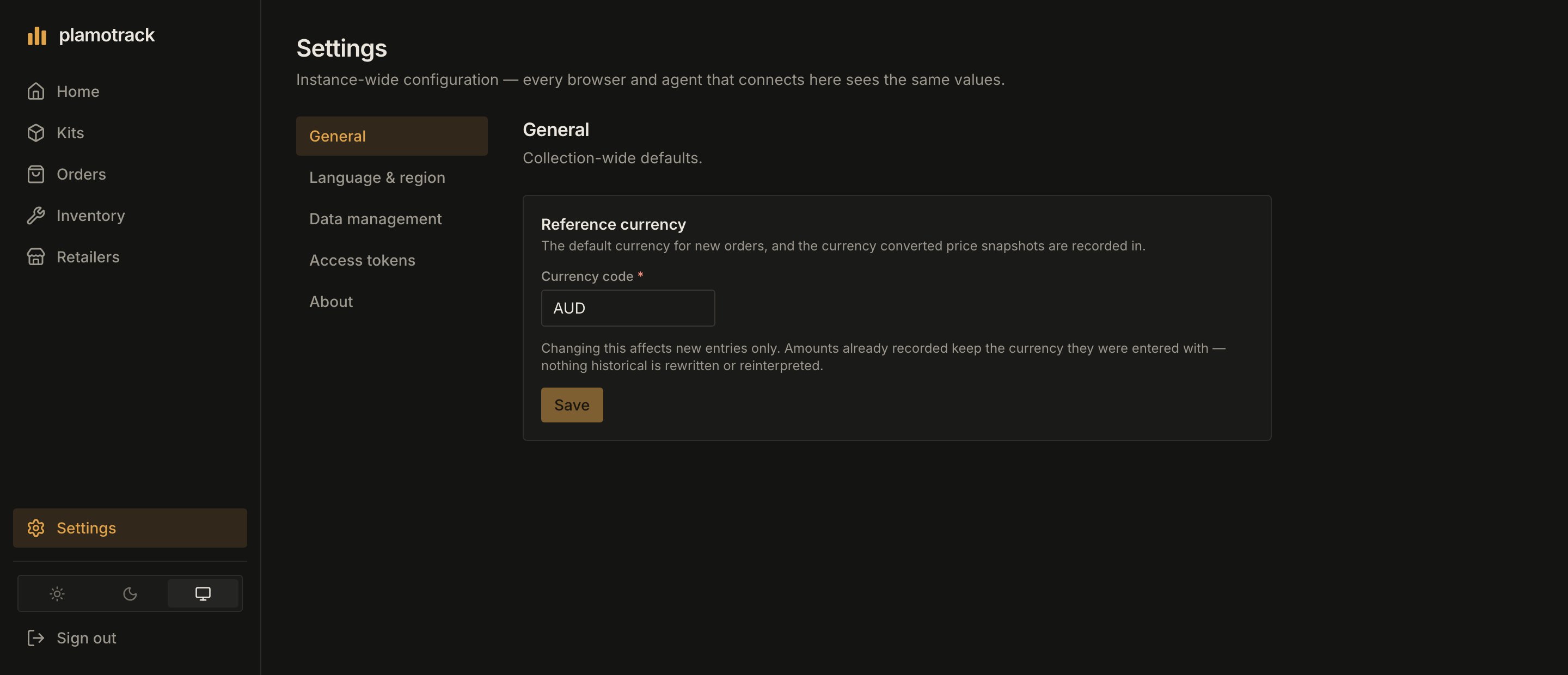
Reference currency is the default currency for new orders and the currency that converted price snapshots are recorded in. Enter an ISO 4217 code such as USD, GBP or JPY and click Save. A new instance starts on AUD. Changing it affects new entries only. Amounts already recorded keep the currency they were entered with — nothing historical is rewritten or reinterpreted.
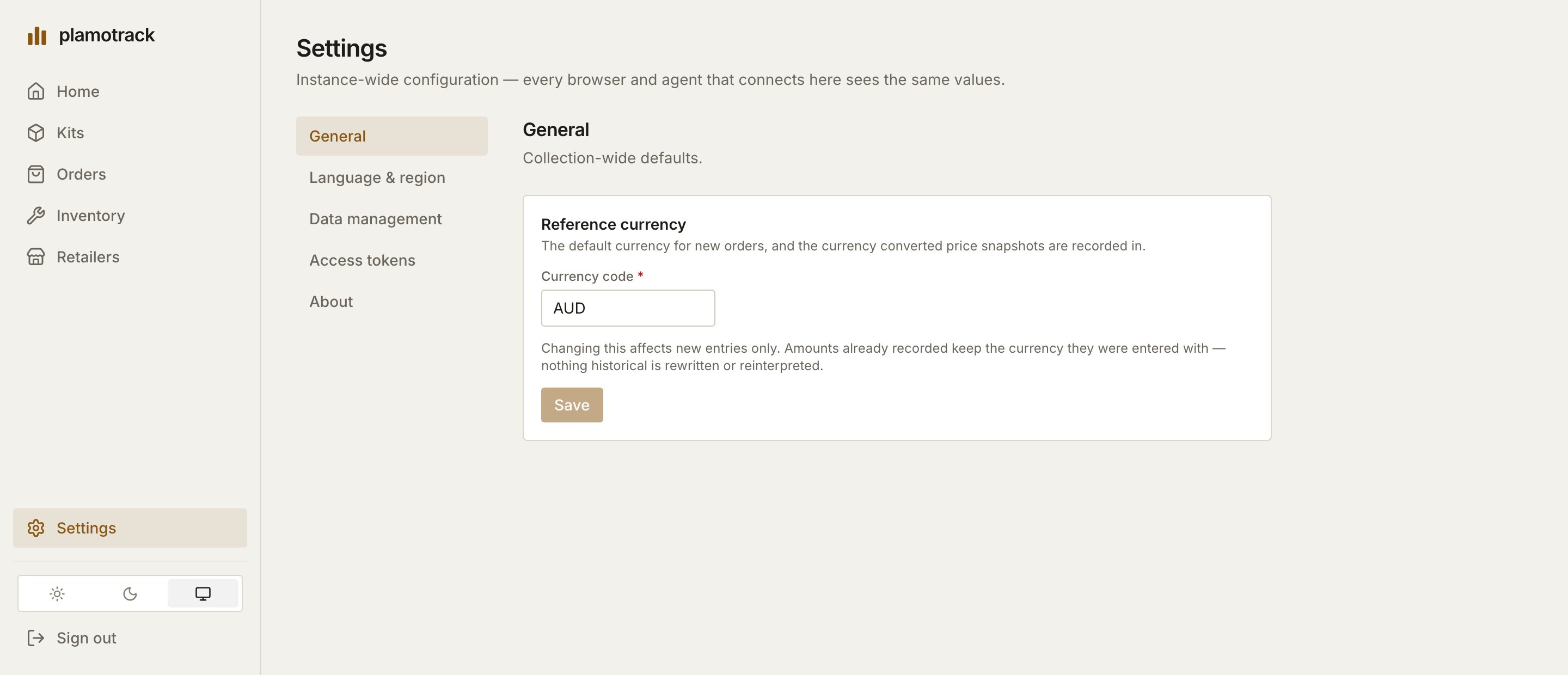
Settings → General, with the Reference currency card and its Currency code field.Settings → General, with the Reference currency card and its Currency code field.

General: the reference currency.

Language & region

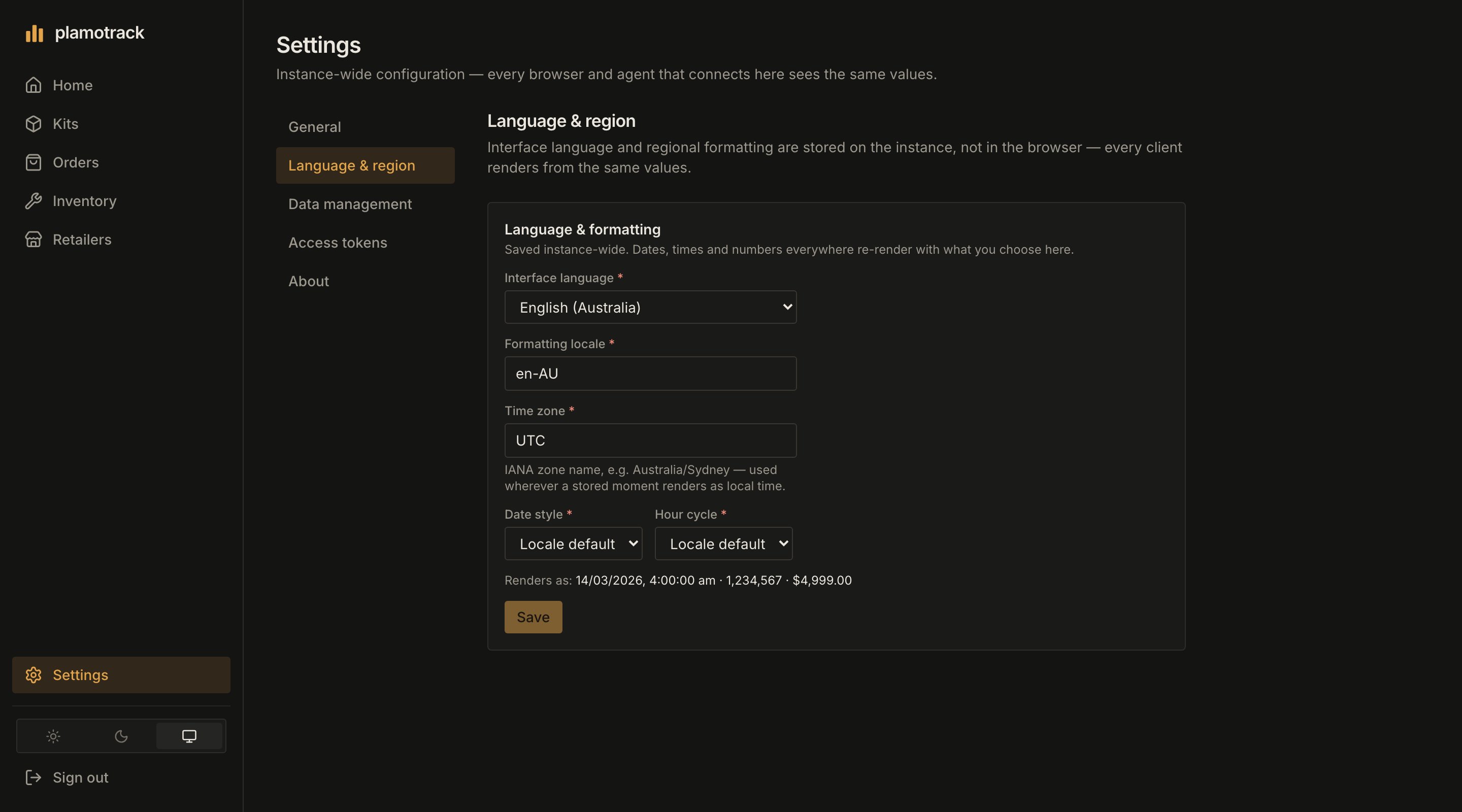
A new instance starts on en-AU and UTC. The line under the form shows how a date, a number and an amount will render before you click Save.
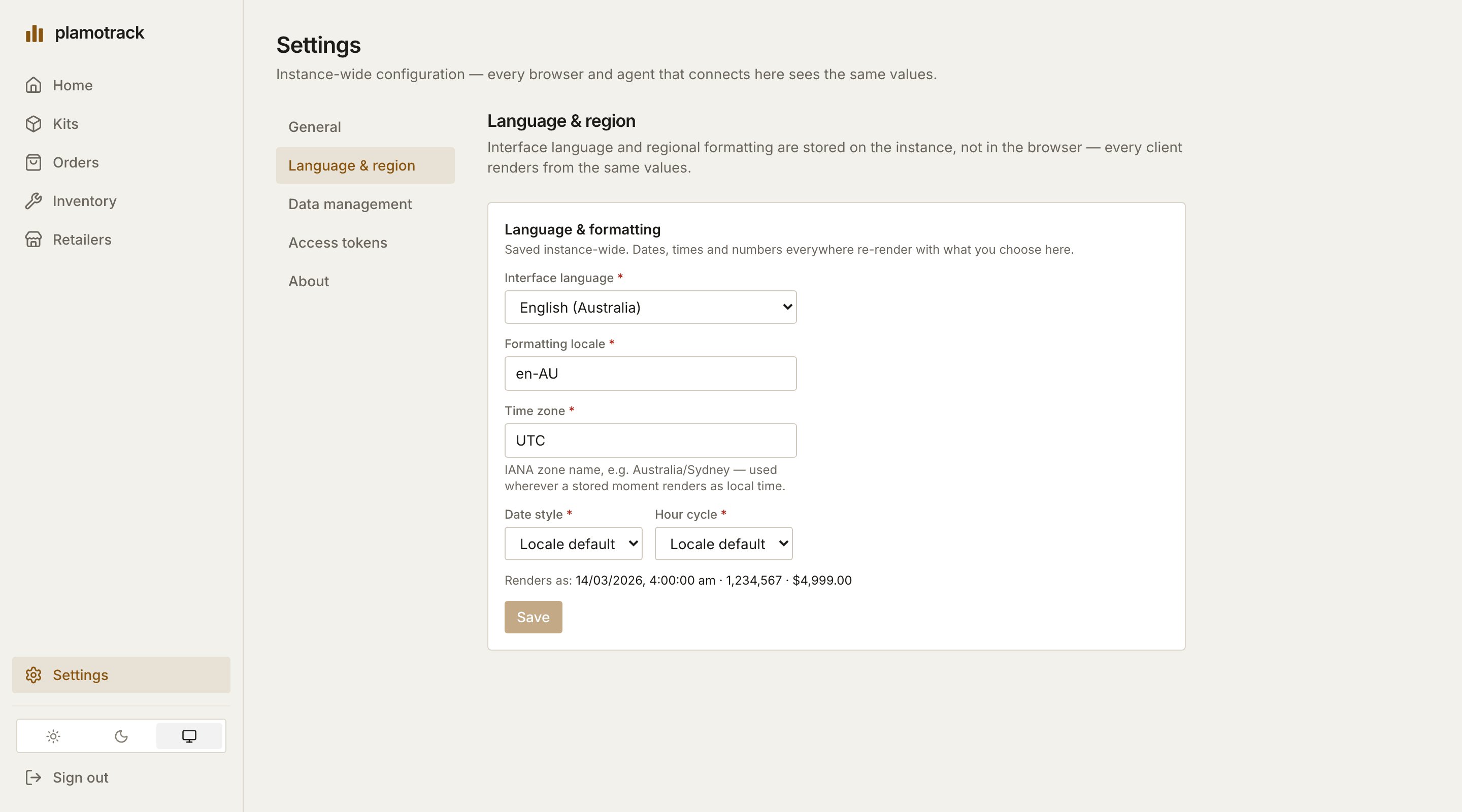
Settings → Language & region, with Interface language, Formatting locale, Time zone, Date style and Hour cycle, and a preview of how values render.Settings → Language & region, with Interface language, Formatting locale, Time zone, Date style and Hour cycle, and a preview of how values render.

Language & region. The preview line shows the effect before you save.

Data management

Export your collection, download the blank templates, and import a spreadsheet or an archive with a preview first. See Import & Export.

Access tokens

Create and revoke personal access tokens for scripts and AI assistants. See Access Tokens.

About

The version this instance is running. Check it against the changelog before you update.